Calm your mind in two minutes.
Orris guides your breath with eight patterns matched to your day: a sharp start in the morning, steady focus at work, slow exhales before bed. Free on iOS, no account needed.

Every breathing exercise is free. No ads, no account.
The patterns
The right breath for the hour
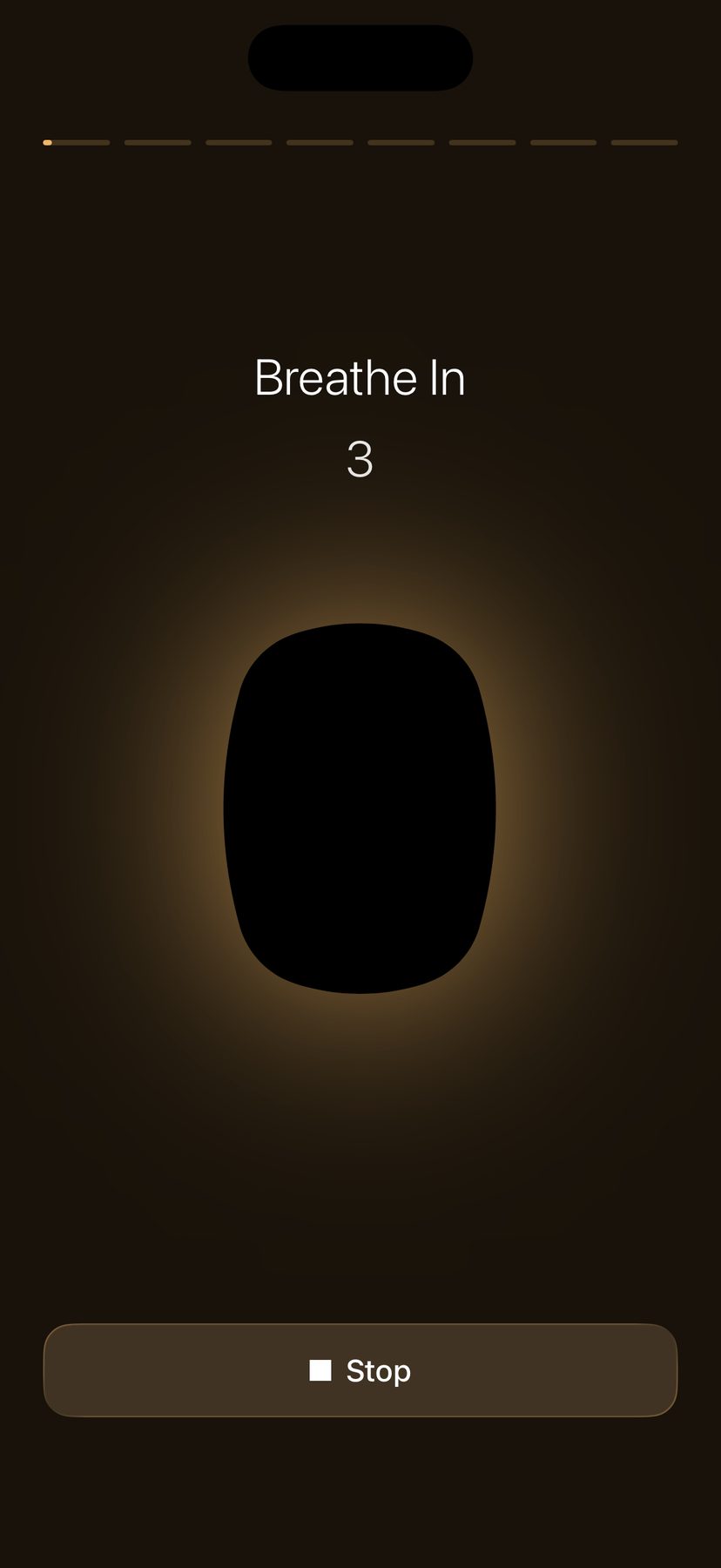
Slow exhales settle you down; quick, inhale-heavy cycles wake you up. Orris recommends a pattern based on the time of day, and you can always pick your own.
Also in the library: Quick Calm, Box Breathing, Coherent 5-5, 4-7-8, Extended Exhale, and a builder for your own pattern. New to breathing exercises? Start with how you want to feel.
First week
Seven days, guided.
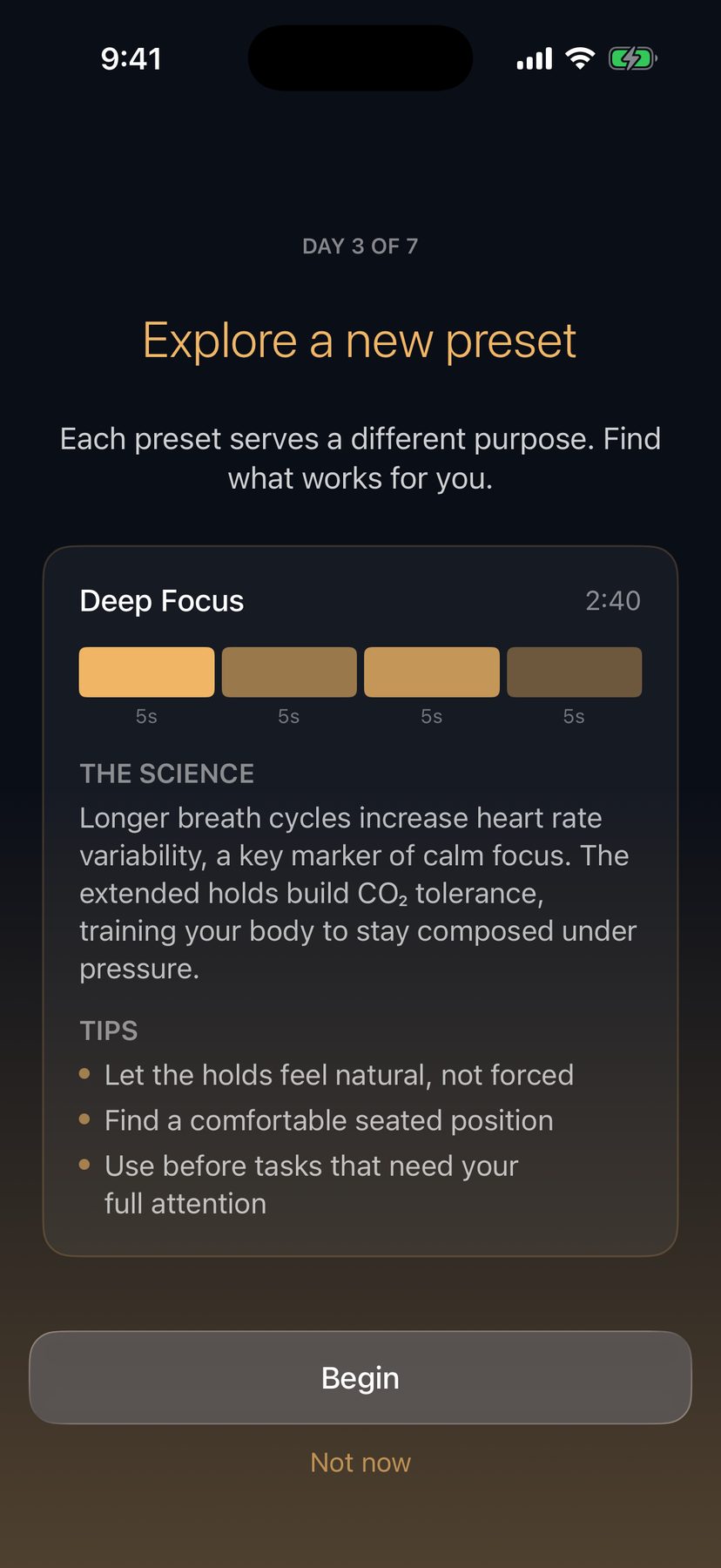
One small goal per day. Orris introduces a new pattern each morning, explains the research behind it, and reminds you at a time that suits the goal. By day seven you have a habit, not just an app.
Momentum
A streak you can see from the lock screen.
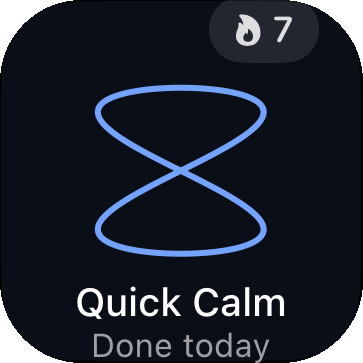
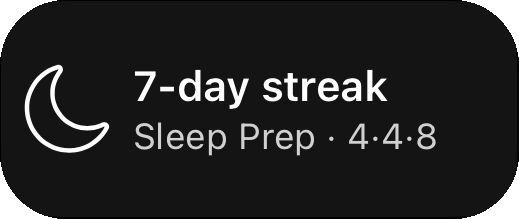
Sessions build a streak, and streaks unlock milestones. Widgets for the lock screen and home screen keep the flame in view, and they follow the clock too: Morning Boost at 8 AM, Sleep Prep at 10 PM.
Progress
Synced with Apple Health.
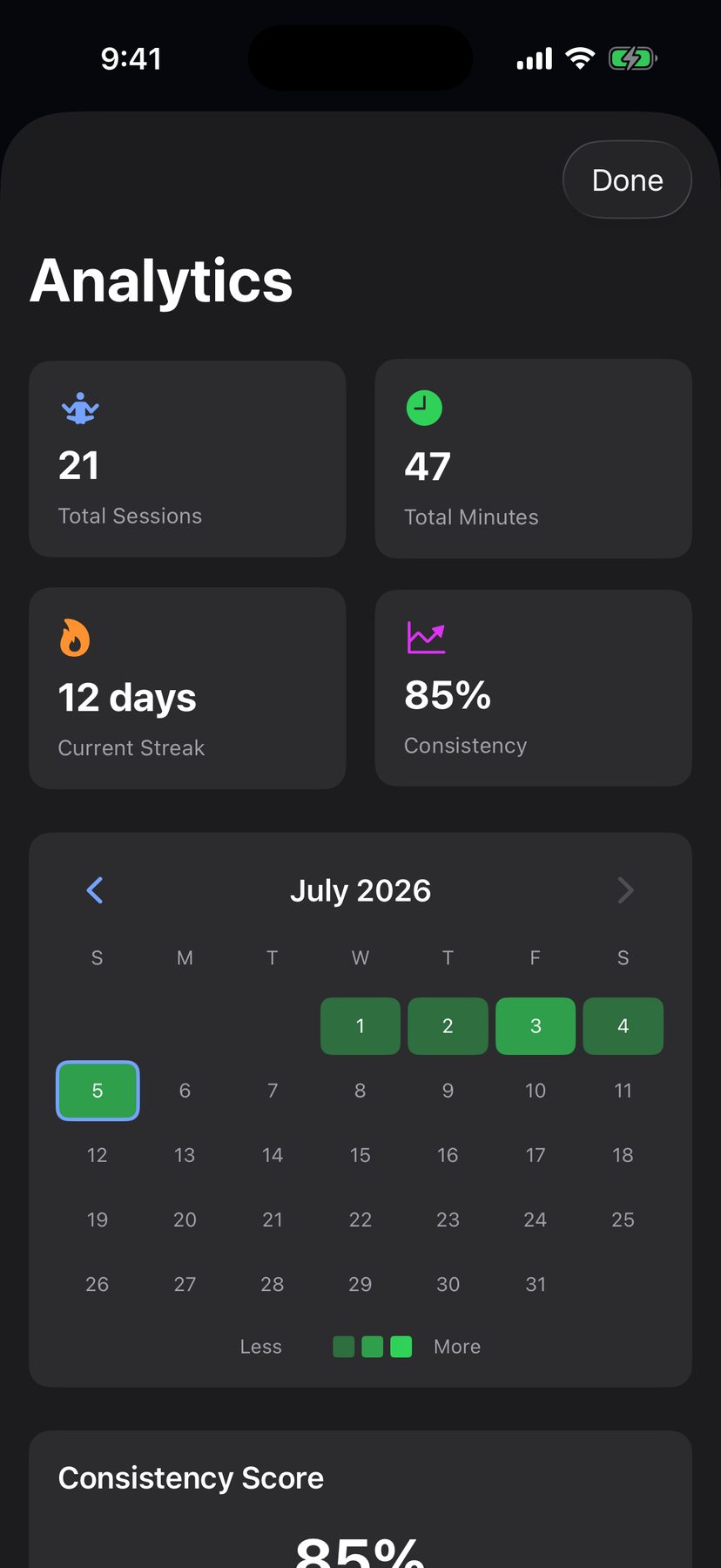
Every session logs mindful minutes to Apple Health and fills in your activity calendar. Premium adds trends, a consistency score, and CSV or PDF export. The breathing itself is never behind a paywall.
How it's different
A breath you take, not a library you scroll.
- Just breathing
- Most calm apps are libraries of things to listen to. Orris opens to one pattern for the time of day, and you're breathing a few seconds later.
- Eyes open or closed
- Follow a glowing shape with your eyes, or gentle vibrations in your hand with your eyes closed.
- The practice is free
- All eight patterns and the pattern builder are free, with no trial that runs out and nothing to sign up for.
Coming from another app? See how Orris compares with Headspace and Calm.
Privacy
No account, no ads, your breathing history stays on your phone.
Orris has no sign-up. Your sessions are stored on your device, sync to Apple Health only if you allow it, and work offline. The app sends anonymous usage data so we can see what helps people keep practicing, never your breathing history or anything you type, and you can turn it off in Settings. The privacy policy lists exactly what's sent.
FAQ
Questions & answers
Which breathing patterns are included?
Eight named patterns: Morning Boost (4-2-2), Quick Calm (4-6), Coherent 5-5, Deep Focus (5-5-5-5), Box Breathing (4-4-4-4), Sleep Prep (4-4-8), 4-7-8, and Extended Exhale (4-8). There's also a custom builder where you set the length of each phase yourself.
How long is a session?
Between one and three minutes depending on the pattern. Morning Boost runs 1:20, Deep Focus 2:40, and Sleep Prep about three minutes. You can change the cycle count on any pattern.
Is Orris free?
Yes. Every pattern, session length, streaks, widgets, and Apple Health sync are free, with no trial and no account. An optional Premium subscription ($4.99/month or $29.99/year) adds analytics (trends, a calendar heat map, and data export), lets you save up to 20 of your own patterns, and unlocks extra haptic styles. Building and running a custom pattern is free.
What is box breathing?
A technique with four equal four-second phases: inhale, hold, exhale, hold empty. It's one of Orris's eight named patterns, and the pace is easy to keep with the on-screen shape and haptic taps. If you'd rather skip the holds, Coherent 5-5 and Quick Calm use the same guided pacing without them.
How is Orris different from Headspace?
Headspace is a meditation app with a large library of guided sessions, sleepcasts, and courses. Orris only does guided breathing: eight patterns, one to three minutes each, free with no account. If the breathing exercises are the part of Headspace you use, Orris can stand in for it. If you love the meditations, keep it. There's more in Orris as a Headspace alternative.
What data do you collect?
Very little. There's no account and no ads, and your session history stays on your phone. Orris does send anonymous usage data, such as which screens and patterns people use and whether the first week gets finished, to help us improve the app. It never includes your breathing history, mood answers or anything you type, and you can turn it off in Settings → Privacy. If you choose to answer when the app asks how it's going, that answer is sent too. See the privacy policy for the full list.
Start with one breath.
Free on iOS. Set up in under a minute.